Finger drumming controllers
Every pattern on fingerdrum.io works on any 4×4 pad controller. These guides show how to set up the most popular ones so the pad view on the site matches your hardware.
By  Re: TUNES · Updated
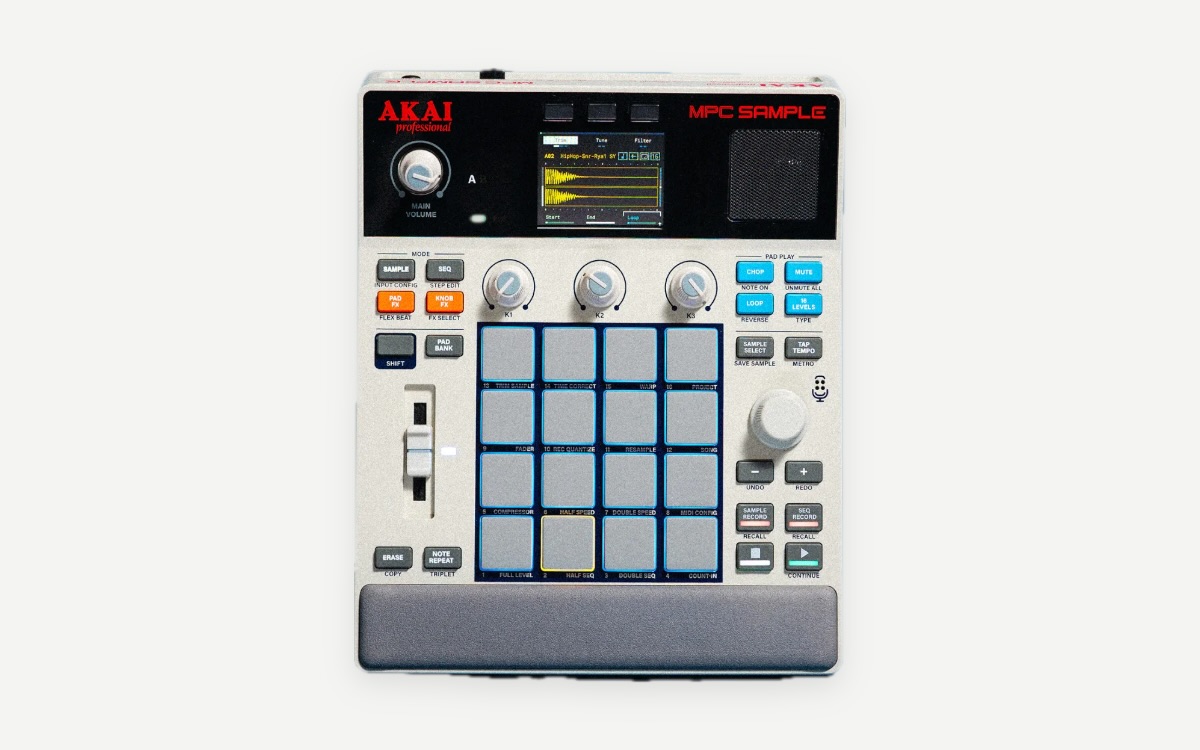 Akai ProfessionalAkai MPC Sample16 RGB, velocity-sensitive, with polyphonic aftertouch
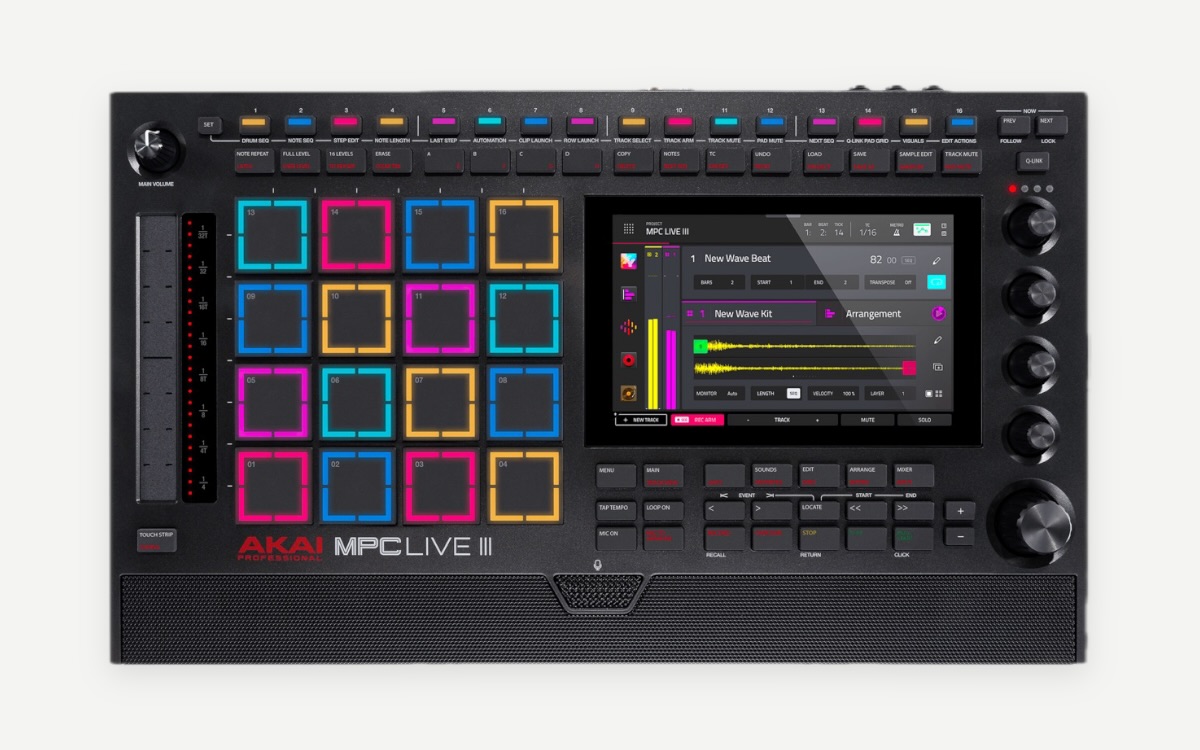 Akai ProfessionalAkai MPC Live III16 full-size RGB MPCe pads with 3D sensing (velocity, pressure and position)
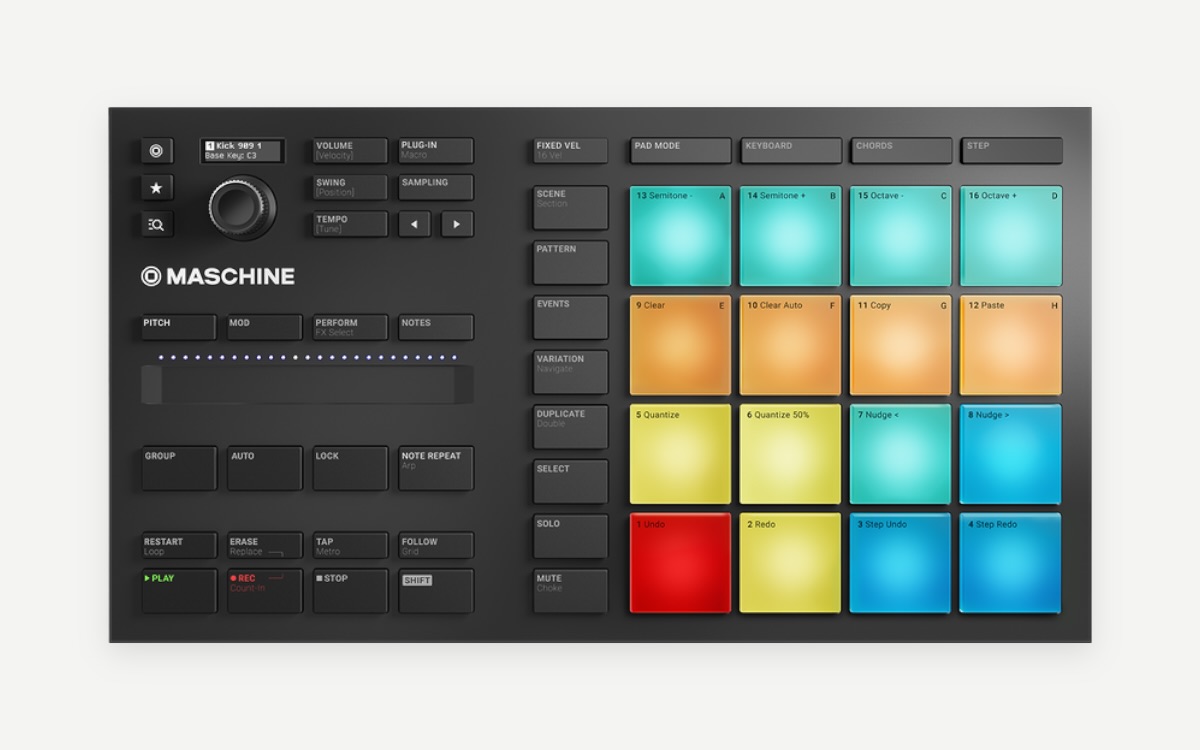 Native InstrumentsNative Instruments MaschineMaschine Mikro MK3, Maschine MK3, Maschine+ (standalone)
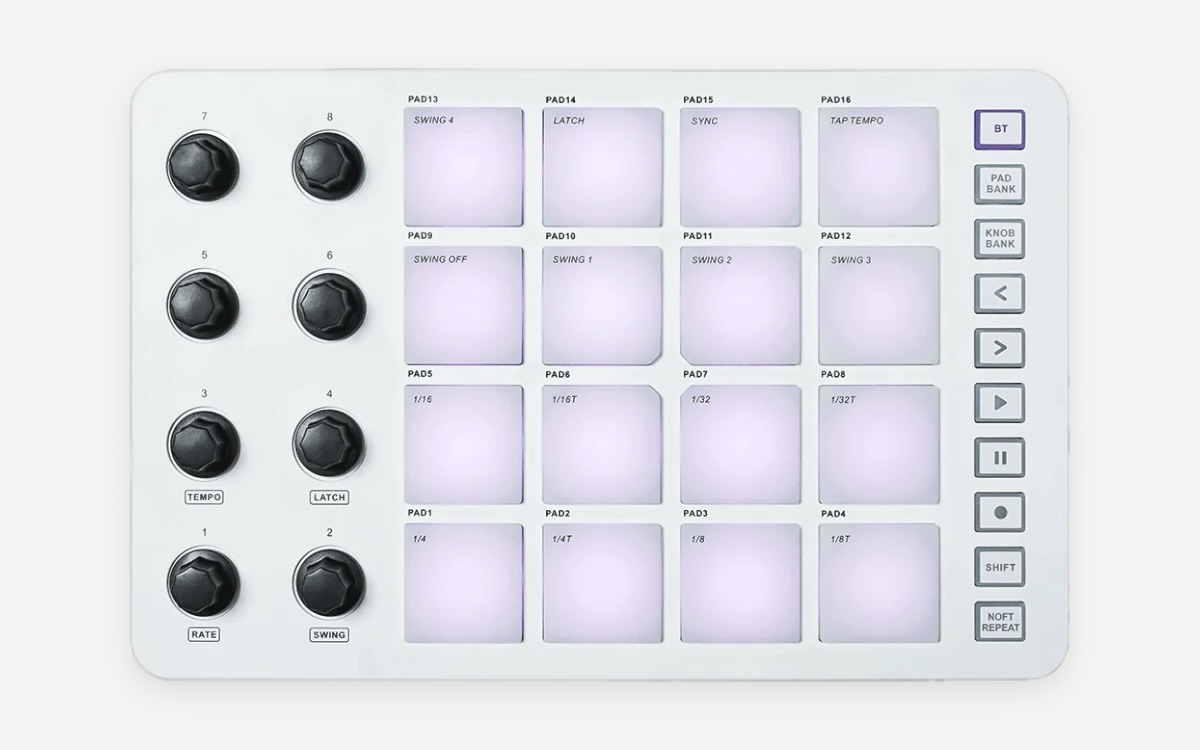 M-VAVEM-VAVE SMC-PAD16 RGB, velocity-sensitive, with aftertouch, in a 4×4 grid
What to look for in a finger-drumming controller
- Sensitive pads. Soft taps must come out as quiet ghost notes. This matters more than any other feature.
- A 4×4 grid. Sixteen pads is the standard for finger drumming, and every layout on this site uses it.
- Pad size and spacing. Room for both hands without catching the neighbouring pad.
- Low latency. A cable (USB-C) beats Bluetooth for timing practice.
- Standalone or controller. An MPC or Maschine+ has its own sounds; a MIDI controller like the SMC-PAD needs a drum app or DAW.
Other popular choices include the Akai MPD218, Novation Launchpad, Ableton Push and Yamaha FGDP finger drum pads. Product photos are the manufacturers’ own, credited on each guide. Whatever you play, set your layout on the Pads page so the pad view matches it.
No controller yet?
Start on your computer keyboard: on fingerdrum.io, Z X C V is the bottom row of pads, then A S D F, Q W E R and 1 2 3 4. The beginner’s guide walks you through your first groove.